Scada Studio 1.18.0
On this page · 4 sections
Scada Studio
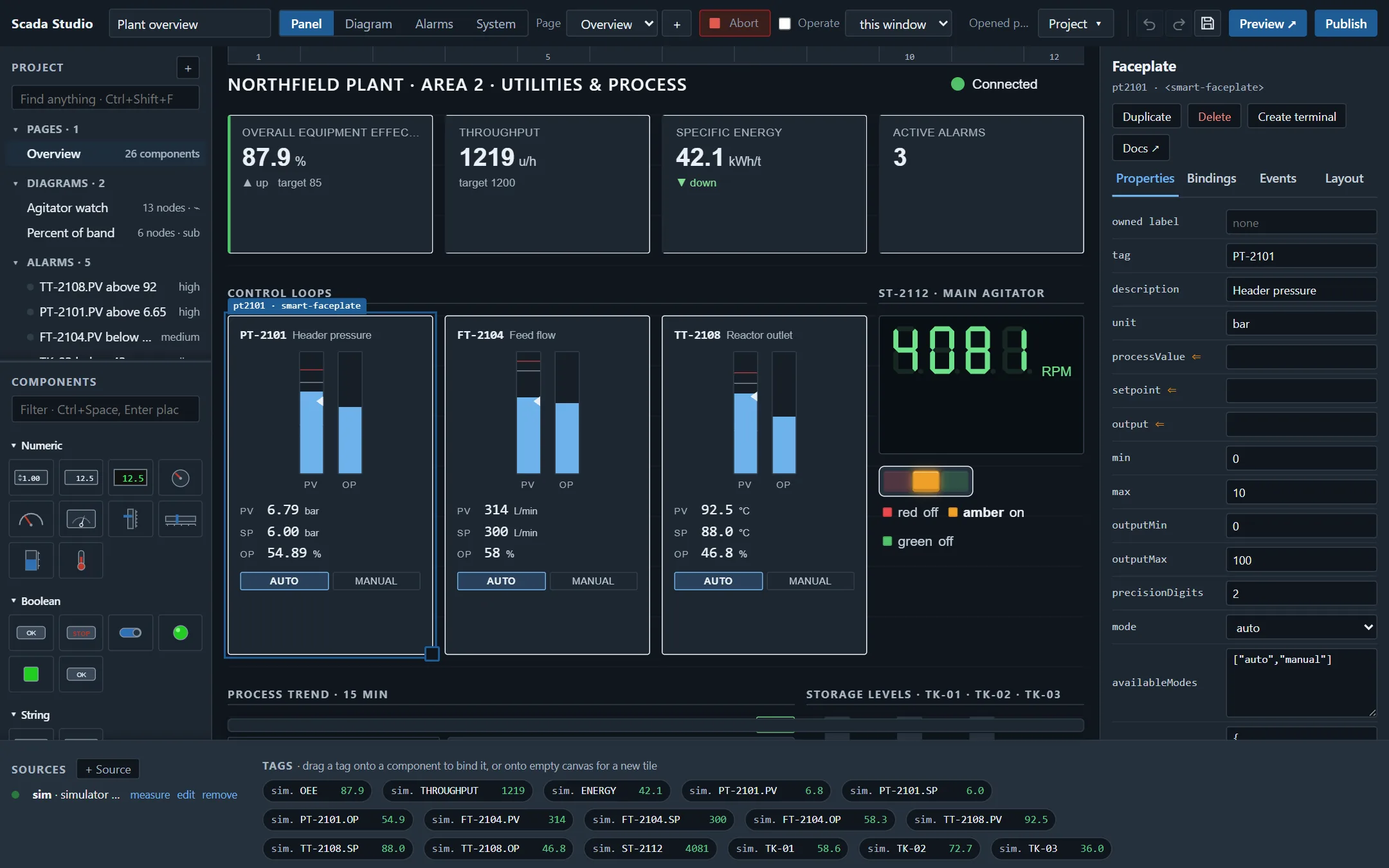
Scada Studio builds operator screens that run in a browser, and ships the station that feeds them. A panel is components on a grid, bound to tags; a diagram is the program behind it - a block diagram of typed wires, loops, cases and events run by data, or a message flow that reacts to events; an app is a project published to an agent on the plant network, or exported as files for any web server. Operators open a URL: nothing to install on their machine, and no licence per screen. Version 1.18.0.
Three pieces
| Piece | What it is | Where it runs |
|---|---|---|
| The designer | A page designer over the 54 Smart.Industrial components, with an inspector generated from their metadata, and the block diagram with 60 node types (loops, cases, events, subdiagrams) or a message flow with 26. Everything it shows is live: the canvas is the app, and the panel runs its diagrams. | The browser, from any web server or from the agent |
| The runtime | Renders a project: creates the components, applies their properties, routes tags into them through Smart.Industrial Connect, runs the browser-side diagrams. One file, no build step. | The browser, in the designer and in every app |
| The agent | A small server for the station PC: OPC UA (client and server), Modbus TCP and RTU, Siemens S7, EtherNet/IP for Allen-Bradley Logix, MQTT, HTTP, SCPI over TCP or serial, VISA (VXI-11, socket, serial; USB and GPIB through the VISA library), DAQmx, a simulator. Publishes tags over one WebSocket, serves the apps and the designer, runs the diagrams marked for it, logs to CSV and TDMS. | Node.js 18 or later, no dependency; at boot as a scheduled task or a systemd unit |
Where to start
- Getting started: a panel with live data, a block diagram, and an app on the station, in fifteen minutes.
- The designer: the controls palette, canvas, inspector, bindings, events, selection and alignment, pages, templates.
- Message flows: the message, the nodes, running in the browser or on the agent; the node reference is generated from the engine.
- Dataflow diagrams: typed wires, loops as frames, feedback, cases, subdiagrams, records - a program on the flow canvas; the diagram node reference.
- Coming from graphical dataflow: the usual terms mapped to Scada Studio's - VI, subVI, shift register, tunnels, probes, Quick Drop - what is the same, what is different, what is not there.
- The agent: installation, configuration, the sources, tokens and roles, logging, running at boot; the API.
- Publishing: to an agent, as a zip, kiosk mode.
- The project file: one JSON document, in a repository if you like.
Samples
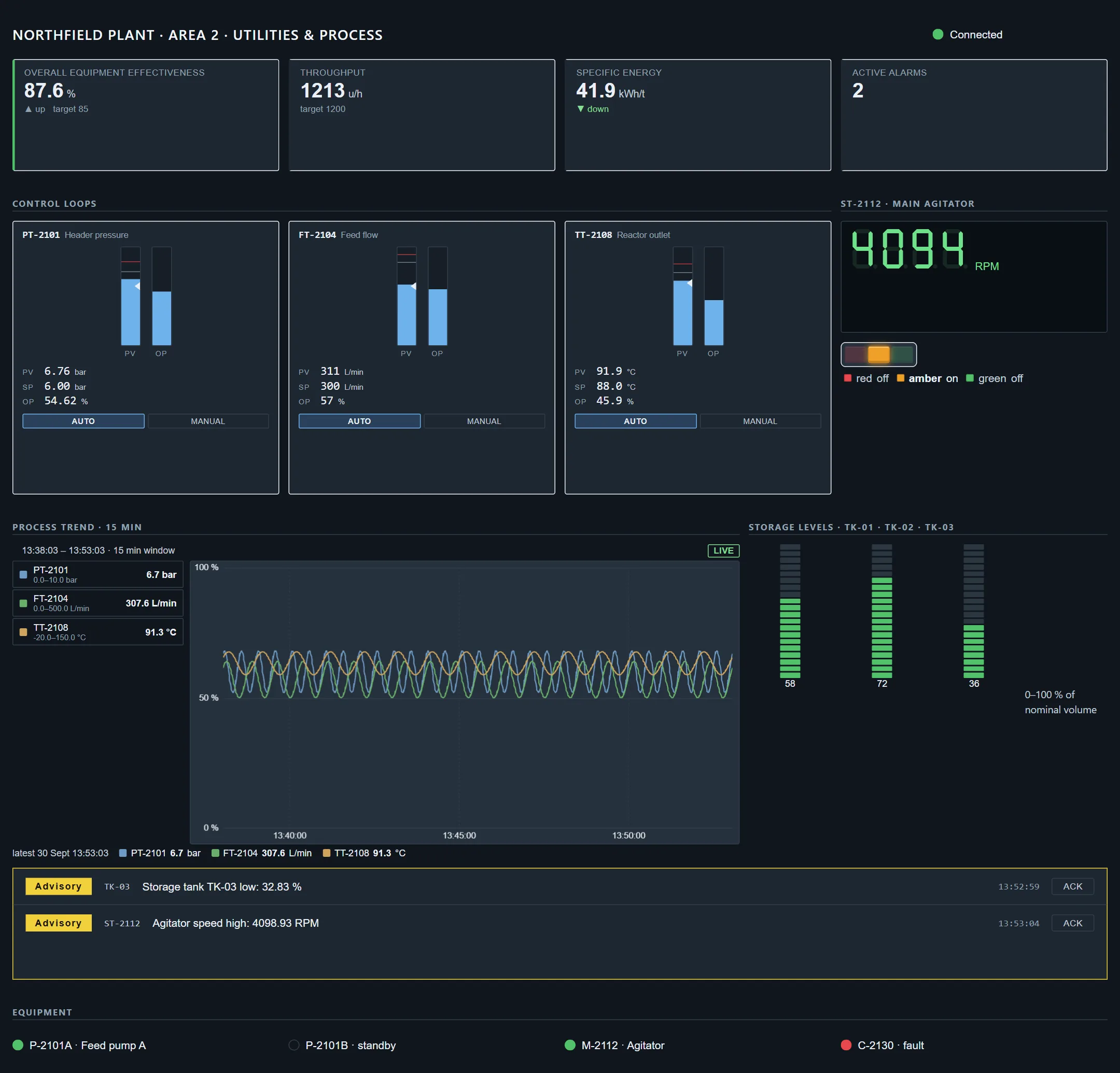
Eight projects ship with the designer and double as page templates: a plant overview with five alarms evaluated live, a diagram watching the agitator and the subdiagram it calls - the first project - alarm management on six live alarms, line operations, an andon board, a KPI wall, safety interlocks, a bench meter logger with the block diagram that computes its readings and a flow on the agent, and the signal generator, the classic first program on the Bench theme. Open the designer (it opens on the plant overview with the gallery of the others; Project › New from a template brings it back), or open the plant overview as an app.
What it is not
Scada Studio is not a PLC programming tool, and not a plant-wide historian: a station can keep the history of its own tags, and a plant historian collects its tags' live values through the station's OPC UA server. It builds the panels and the logic around them - block diagrams in the graphical dataflow manner, and message flows - and it talks to the equipment through the agent. The questions page says what it is not.