Guides
Publishing
On this page · 6 sections
To an agent
Publish in the top bar sends the project to a Scada Studio agent. Enter the agent's address (http://station:8800), an app name in lowercase letters, digits and dashes, and - when the agent has auth - an engineer token. The agent writes the project and a page next to it and serves the app at /apps/<name>/; the flows marked for the agent start at once. The address and the token are remembered in the browser; the token is never written into the project.
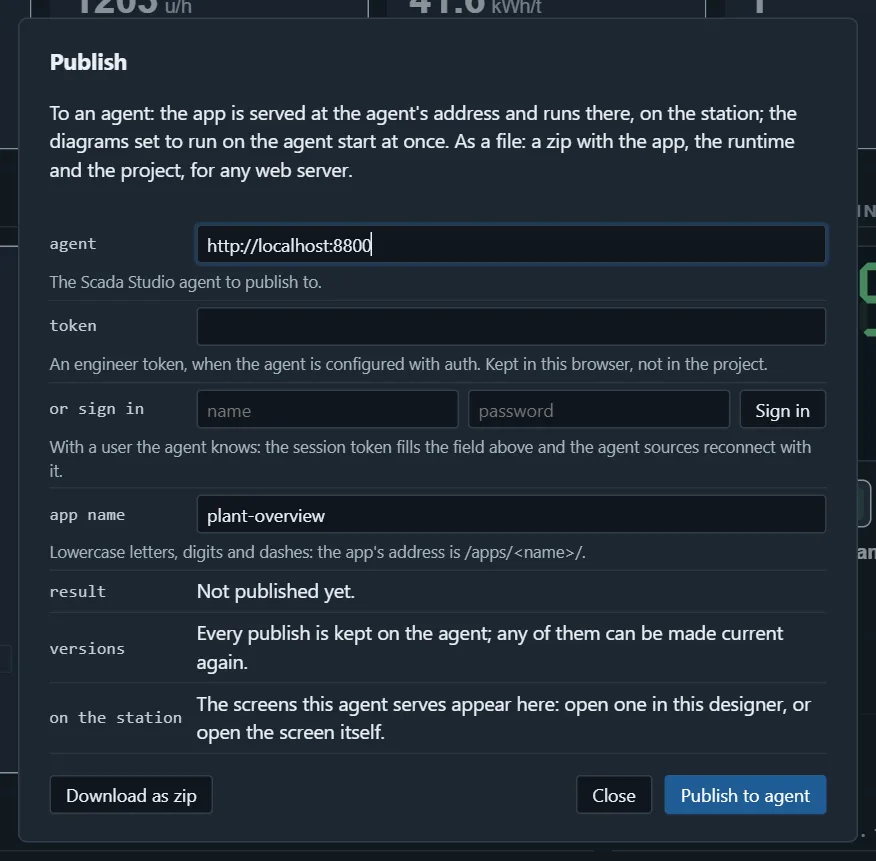
The app served by an agent loads the runtime from the agent (/runtime/), so it needs no other server, and its agent source with an empty url means "the agent I am served from" - the same project publishes unchanged to any station.
As a zip
Download as zip builds a folder for any web server: the page, the project, the runtime files and the studio files. Unzip it under the server's document root and open index.html. The sources in the project must be reachable from the browser (a WebSocket gateway, an agent by its full address).
Kiosk mode
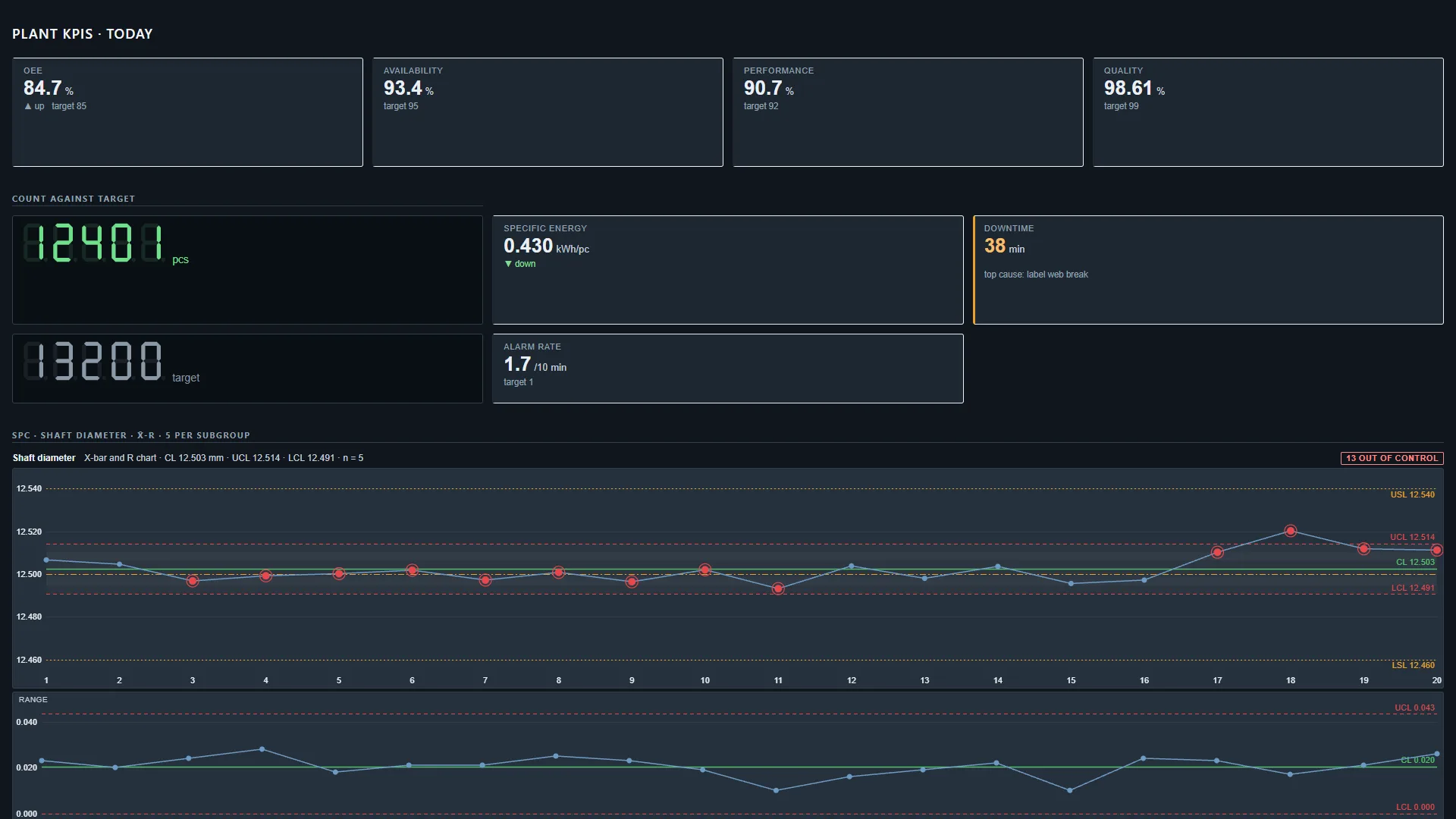
?kiosk=1 on an app's address hides the page tabs and the pointer over static parts, for a screen on the wall or a station running one page. ?page=<id> opens a page other than the first; moving between pages (the tabs, a card) puts the page in the address, so Back goes back a page and a reload stays on it. A browser in its own kiosk mode (chrome --kiosk http://station:8800/apps/line3/?kiosk=1) completes it.
What the app shows about itself
An app says when a source is not open: a red strip at the bottom names the source and its state (reconnecting, error with the reason), so an operator does not trust a frozen number. An evaluation copy says so in a line under the page. The page title is the project's name.
Updating, versions, rolling back
Publish again under the same name: the agent keeps the previous project as a version (apps/<name>/versions/v<n>/project.json, twenty by default, apps.keepVersions in the agent's configuration), makes the new one current, restarts its flows, and every open screen of the app says within 20 seconds that a newer version is there and offers to reload (a kiosk screen reloads itself). The Publish dialog lists the versions on the agent - number, date, who, pages and flows, which is current - and Make current rolls back to any of them in one click: the agent serves that version again and restarts its flows. By hand: GET /api/apps/<name>/versions and POST /api/apps/<name>/rollback with { "version": n }. Every publish and rollback is in the audit trail with the project's hash; an app published before 1.17 gets its project as v1 on first sight.
In another page
A published app can live inside any web page - a portal, an intranet page, a wiki - with one script and one call: the embed.