



GanttChart for Vue
Vue 3 version using Smart custom elements and template refs.
What this topic covers: practical setup, the framework-specific API access pattern, and copy-adapt guidance for the examples in this page.
<script setup>
import { onMounted, ref } from 'vue';
import 'smart-webcomponents/source/styles/smart.default.css';
import 'smart-webcomponents/source/modules/smart.ganttchart.js';

const component = ref();
const componentProps = {
  // Copy this topic's JavaScript configuration here.
};

onMounted(() => {
  Object.assign(component.value, componentProps);
});
</script>

<template>
  <smart-gantt-chart ref="component"></smart-gantt-chart>
</template>
Use component.value for API methods in this topic.
Build your web apps using Smart Custom Elements
Smart.GanttChart - Filtering
Filtering
Smart.GanttChart component allows filtering of tasks and resources. In order to filter the GanttChart items the user has to use the filter input(s) that are displayed inside the Table header when filtering is enabled. The default filtering mode allows to filter by all columns whilte the advanced filterRow offers more specific filters for each individual column. The following properties are available for filtering:
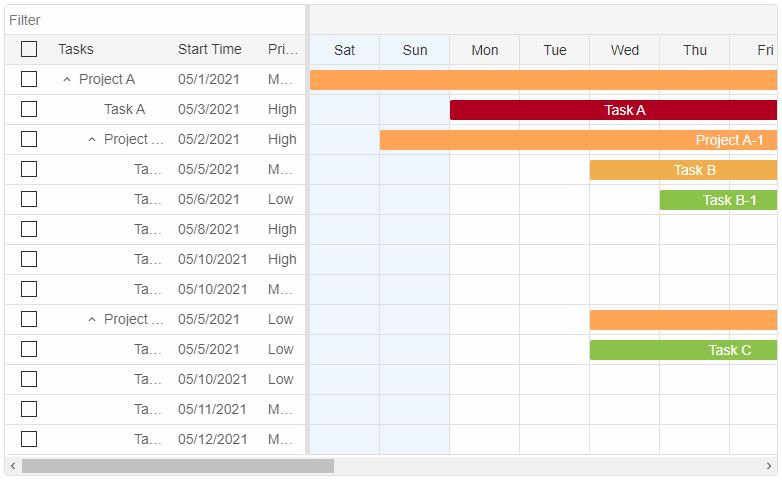
- taskFiltering - boolean property. When enabled a filter input is displayed above the Task
Table header. Entering text inside the input triggers the tasks filtering. As a result
only the tasks that correspond to the filter criteria are displayed.
Here's how to enable taskFiltering:
component.value.taskFiltering = true
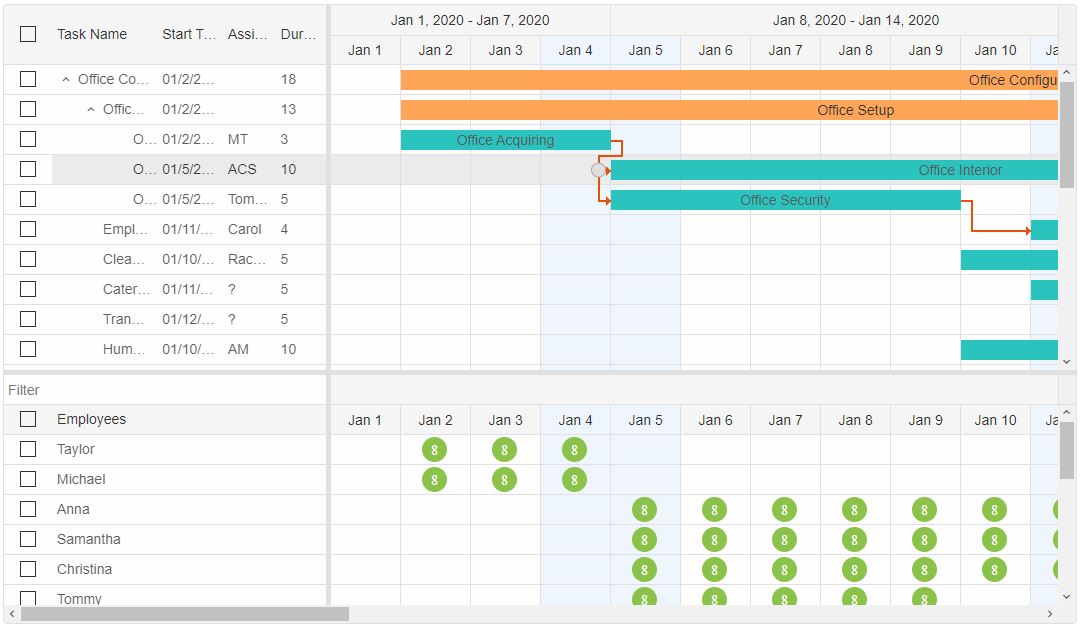
- resourceFiltering - boolean property. When enabled a filter input is displayed above the
Resource Table header. Entering text inside the input triggers resource filtering. As a result
only the resources that correspond to the filter criteria are displayed.
Here's how to enable resourceFiltering:
component.value.resourceFiltering = true
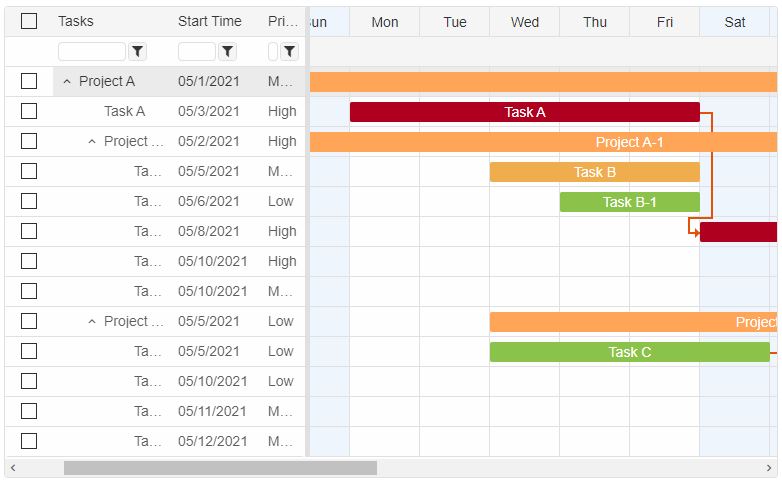
- filterRow - boolean property. This property enables advanced filtering for the Task
Panel. A filter row is displayed instead of the filter input. The filter row is positioned below
the table header and allows to filter the tasks by column. FilterRow is only available for
Task filtering.
Here's how to enable filterRow:
component.value.filterRow = true
For AI tooling
Developer Quick Reference
Topic: gantt-filtering Component: GanttChart Framework: Vue
Main methods: (none detected)
Common config keys: filtering
Implementation Notes
Compatibility: Vue 3+ API access pattern: const component = ref() + component.value.method()
Lifecycle guidance: Use template refs with